All components

Quiet operation, high airflow, and a modern design. The Arctic P12 fans are the ideal choice for anyone looking for premium cooling at a reasonable price.

Quiet operation, high airflow, and a modern design. The Arctic P12 fans are the ideal choice for anyone looking for premium cooling at a reasonable price.

Michal Maslík - Cooling #2
ModelArctic P12 PWM PST A-RGB
Cooling TypeSystem Fan (120 mm)
AirflowUp to 56 CFM
Noise LevelMax 22.5 dBA (0dB Mode support)
Connection4-pin PWM + 3-pin 5V ARGB
TechnologiesPWM Sharing Technology (PST)
The Arctic P12 PWM PST fans are designed with a focus on high static pressure, allowing them to achieve an airflow of up to 56 CFMCubic Feet per Minute – an imperial unit indicating the volume of air pushed in one minute.. This ensures excellent cooling capabilities even when mounted on dense liquid cooling radiators or behind restrictive case dust filters. A massive advantage is the PWMPulse Width Modulation – allows the motherboard to smoothly control the fan speed. technology, which automatically adjusts fan speeds based on current system temperatures. During regular office work, the fan runs in an almost inaudible state. Under very low loads, it can transition entirely into 0dB Mode (completely stopping). This reduces noise to absolute zero and significantly extends the fan's lifespan.
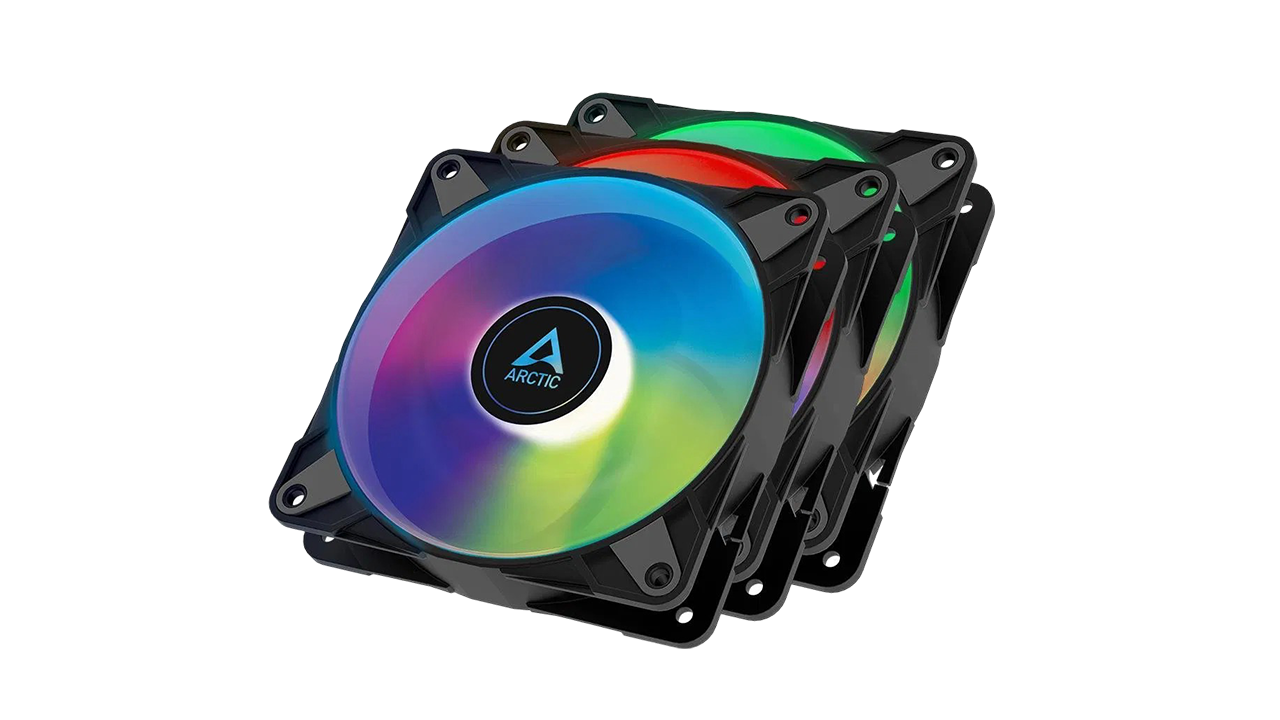
Performance shouldn't come at the expense of aesthetics. The P12 A-RGB models feature fully customizable A-RGBAddressable RGB – unlike standard RGB, it can display multiple colors on a single fan simultaneously. lighting. Smooth and vibrant lighting effects give the entire PC build a premium, stylish look without distracting flickering. Compatibility with standard 3-pin 5V headers ensures they can be easily synchronized with any modern motherboard.
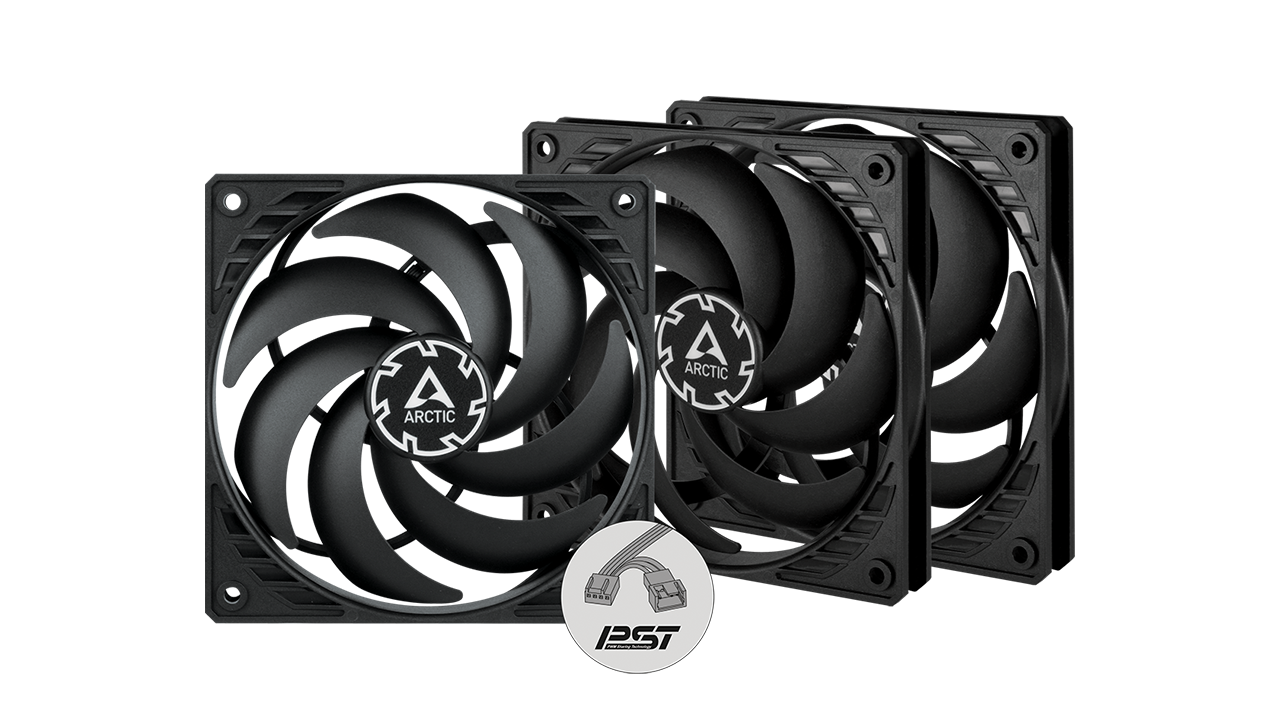
One of the most useful innovations from Arctic is the PSTPWM Sharing Technology – an integrated splitter directly on the fan cable.. This allows for "daisy-chaining," meaning you can connect fans in a series. In practice, instead of running three separate cables from three front fans to your motherboard, you only need to run one combined cable. This radically simplifies installation and helps keep the interior of your case clean and organized.
If you are building a compact SFF (Small Form Factor) setup where every millimeter counts, Arctic also offers the P12 Slim variant. This thinner model retains the same technologies and cooling potential as the standard version but easily fits into the tightest spaces.
Michal Maslík Arctic P12
The Arctic P12 PWM PST A-RGB fans are a prime example that you don't need to spend a fortune for top-tier cooling. They offer quiet operation, dynamic speed control with 0dB mode, genius cable management, and elegant lighting. They are a perfect choice for massive gaming rigs as well as silent workstations.
Aspect Ratings
Cooling Performance (Static Pressure)9/10
Acoustics / Noise Level9.5/10
Cable Management (PST)10/10
Price / Performance Ratio9.5/10

9.5/10
Overall Score
Pros
  • Excellent price-to-performance ratio (high static pressure)
  • 0dB Mode support (completely stops spinning at low temperatures)
  • PST daisy-chaining technology eliminates cable clutter
  • Beautiful and smooth A-RGB lighting
  • Slim version available for compact cases
Cons
  • The plastic frame can feel slightly cheap during installation
  • The motor can produce a slight humming resonance at specific RPMs (around 1000 RPM)
Are these fans suitable for water cooling radiators?
Yes, absolutely. The P-series from Arctic (P stands for Pressure) is designed specifically for high static pressure. Because of this, they can effectively push air through dense water cooling radiators or restrictive dust filters in the front of your case.
How exactly does PST (daisy-chaining) work?
Each fan with PST technology features a standard 4-pin connector to plug into the motherboard, as well as an extra socket integrated into the cable where you can plug in another fan. This way, you can chain three front fans together and only plug a single cable into your motherboard, which will then control the speed of all three simultaneously.
How do I activate the 0dB Mode?
0dB mode (complete fan stop) activates automatically when the PWM signal from the motherboard drops below 10%. You simply need to adjust your fan curve in the BIOS or motherboard software so that it sends a minimal signal when CPU temperatures are low.

Official specifications of the Arctic P12