All components

A versatile graphics tablet featuring high resolution and a precision stylus, ideal for digital artists, designers, and photo retouchers.

A versatile graphics tablet featuring high resolution and a precision stylus, ideal for digital artists, designers, and photo retouchers.

Michal Maslík - Graphics Tablet
ModelXP-Pen Deco 01 V2
Active Area10 × 6.25 inches
Resolution5080 LPI
Pressure Sensitivity8192 levels
ConnectionUSB-C (Wired)
Shortcut Keys8 express keys
CompatibilityWindows, macOS, Linux, Android
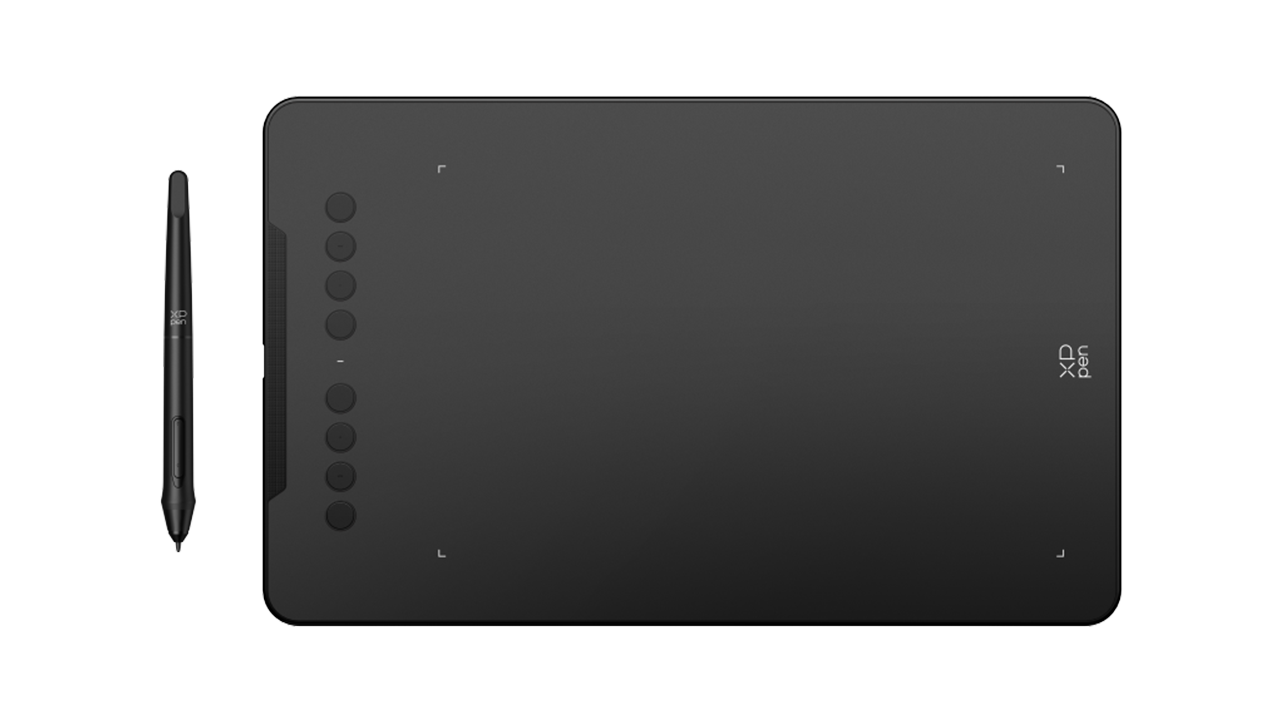
In the BoxStylus, replacement nibs, drawing glove, pen stand
Michal Maslík XP-Pen Deco 01 V2
The XP-Pen Deco 01 V2 tablet is equipped with an advanced sensor boasting a high resolution of 5080 LPILines Per Inch – a measurement of tablet resolution. A higher number means greater precision.. It is capable of recognizing up to 8192 levels of pressure sensitivity. This massive range ensures that the tablet registers even the most subtle changes in hand pressure. It is absolutely crucial for detailed line art, elaborate illustrations, and digital painting, where you need perfect control over the thickness and opacity of every single stroke.
Included in the box is an ergonomic stylus (pen) that, thanks to advanced technology, requires no battery or charging. Its shape and weight distribution faithfully simulate holding a traditional pen, significantly reducing wrist fatigue during long hours of creative work. Thanks to an exceptionally fast response time, drawing on the tablet feels completely natural, without any annoying cursor lag.
Michal Maslík XP-Pen Deco 01 V2
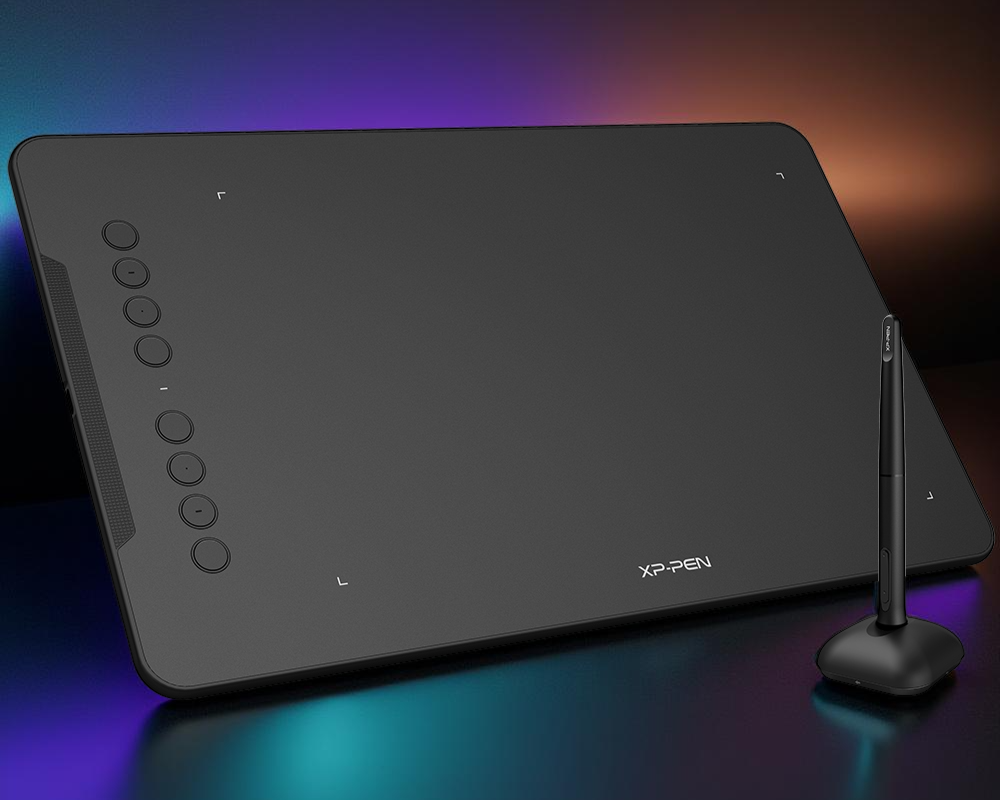
The tablet features a spacious active area measuring 10 × 6.25 inches, giving you plenty of room for wide, sweeping hand movements without feeling cramped. Located on the left side are 8 fully programmable express keysHardware buttons on the tablet that can be mapped to your favorite keyboard shortcuts (e.g., undo, brush size).. By utilizing them, you can significantly speed up and streamline your workflow without having to reach for a standard keyboard.
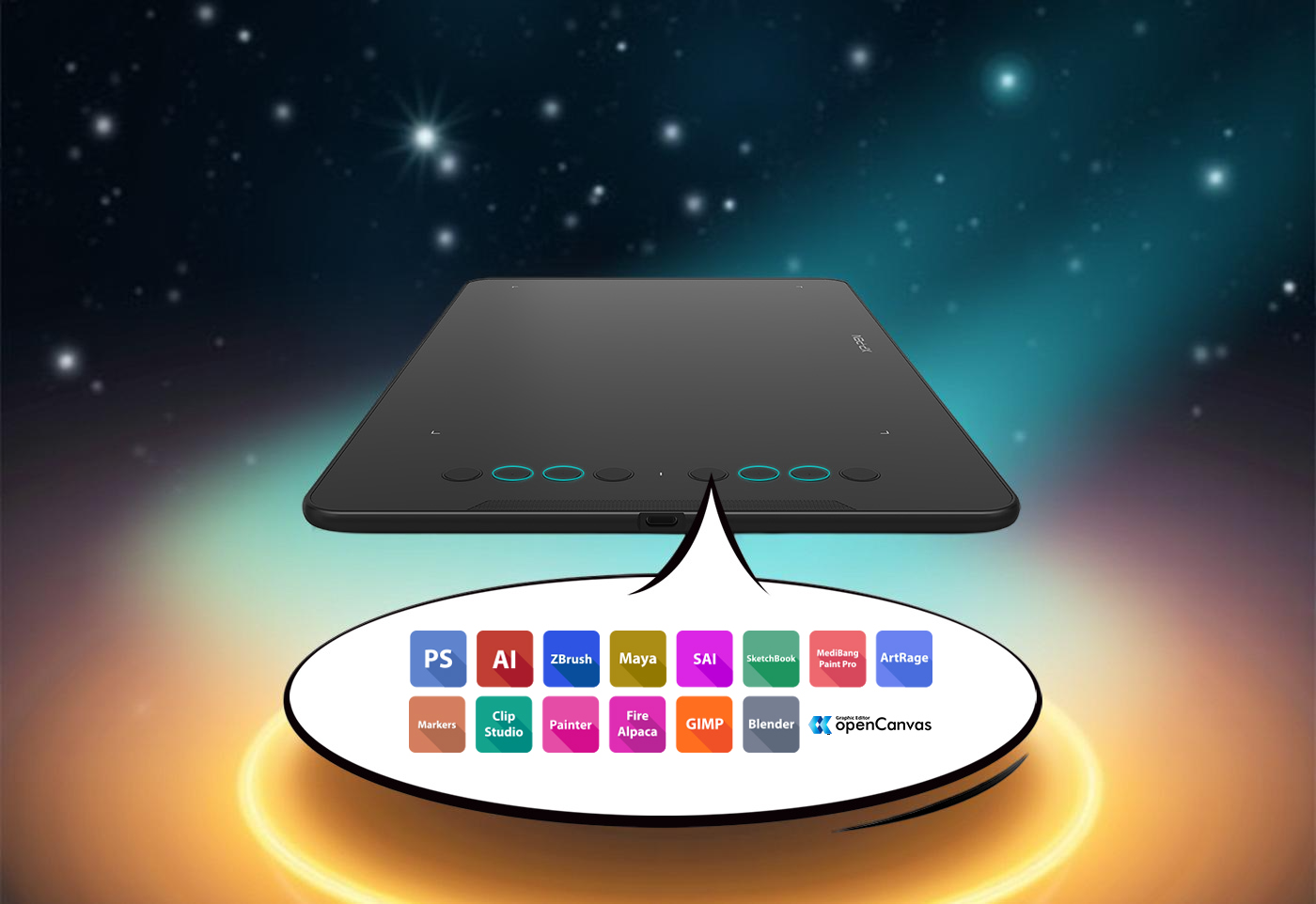
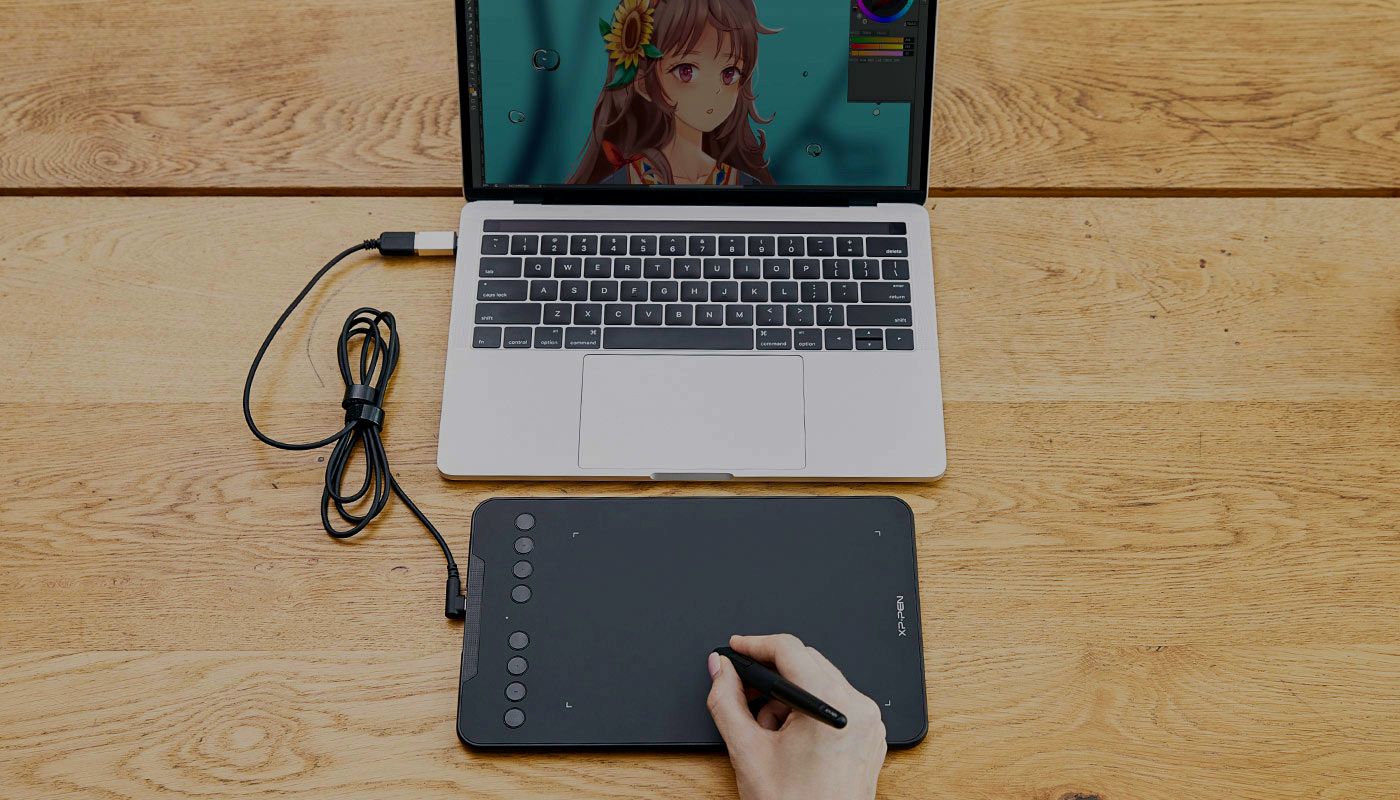
Whether you use Adobe Photoshop, CorelDRAW, Krita, or GIMP—the Deco 01 V2 works flawlessly with all major graphics editors. It connects via a modern and stable USB-C interface. A massive bonus is its native support for Android devices, meaning you can connect the tablet directly to your smartphone and draw on the go.
Michal Maslík XP-Pen Deco 01 V2
The XP-Pen Deco 01 V2 is an excellent example that you no longer need to spend exorbitant amounts of money for professional quality. With an outstanding price-to-performance ratio, immense precision, and a generous workspace, this tablet is perfectly suited for beginner designers, hobbyist artists, and photographers alike. It is a reliable and versatile tool that will rapidly elevate your digital creations.
Aspect Ratings
Pen Precision & Response9/10
Ergonomics & Active Area8.5/10
Software & Express Keys8.5/10
Price / Performance Ratio10/10

9/10
Overall Score
Pros
  • Excellent price-to-performance ratio for both beginners and advanced users
  • High precision thanks to 8192 levels of pressure sensitivity and 5080 LPI
  • Large active working area (10 × 6.25 inches)
  • Battery-free pen (never requires charging)
  • Rich included accessories (replacement nibs, drawing glove, pen stand)
Cons
  • Lacks wireless (Bluetooth) connectivity, operating exclusively via USB cable
  • The tablet surface is somewhat prone to scratching if excessive tip pressure is applied
  • The pen is entirely plastic and can feel a bit too light in the hand
Do I need to charge the stylus (pen) somehow?
No, you do not. The pen utilizes Electromagnetic Resonance (EMR) technology. It draws power directly from the tablet's active surface, so there are no batteries to replace or charging cables to plug in. It is always ready to draw.
Can this tablet be used if I am left-handed?
Yes, absolutely. The tablet features a perfectly symmetrical design. Simply open the official XP-Pen driver settings, rotate the working area by 180 degrees, physically spin the tablet upside down on your desk, and the express keys will comfortably sit on your right side.
Can I use this tablet as a replacement for a standard mouse?
Yes. Many graphic designers and video editors use a tablet permanently instead of a mouse because it helps prevent carpal tunnel syndrome. However, you will need to get used to "absolute" positioning (the corner of the tablet equals the corner of the screen), whereas a standard mouse uses relative positioning.

Official specifications of the XP-Pen Deco 01 V2