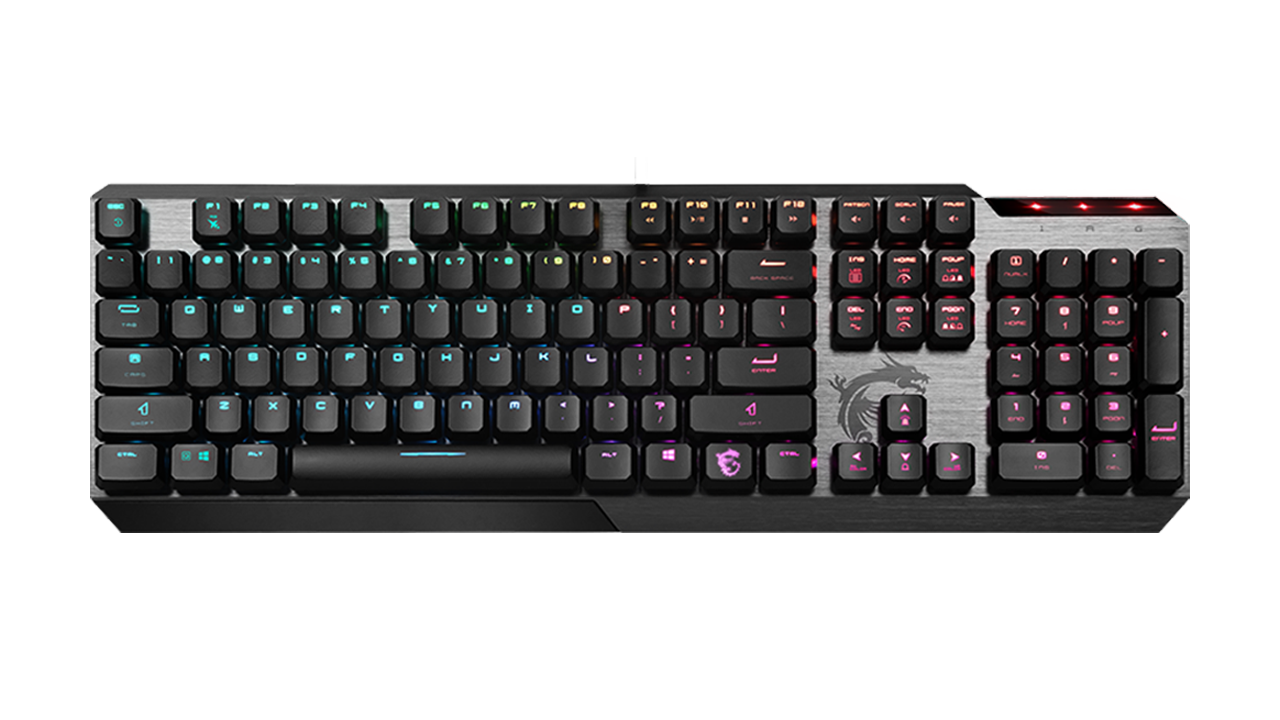
Basic Information
ModelMSI Vigor GK50 Low Profile
Switch TypeKailh Low Profile White (Clicky)
Switch Lifespan50+ million keystrokes
LightingPer-key RGB (Mystic Light)
Anti-GhostingN-Key Rollover / Full Keys
MaterialBrushed metal (top plate)
ConnectionUSB 2.0 (fixed cable)
Dimensions & Weight435 × 141 × 34 mm | 700 g
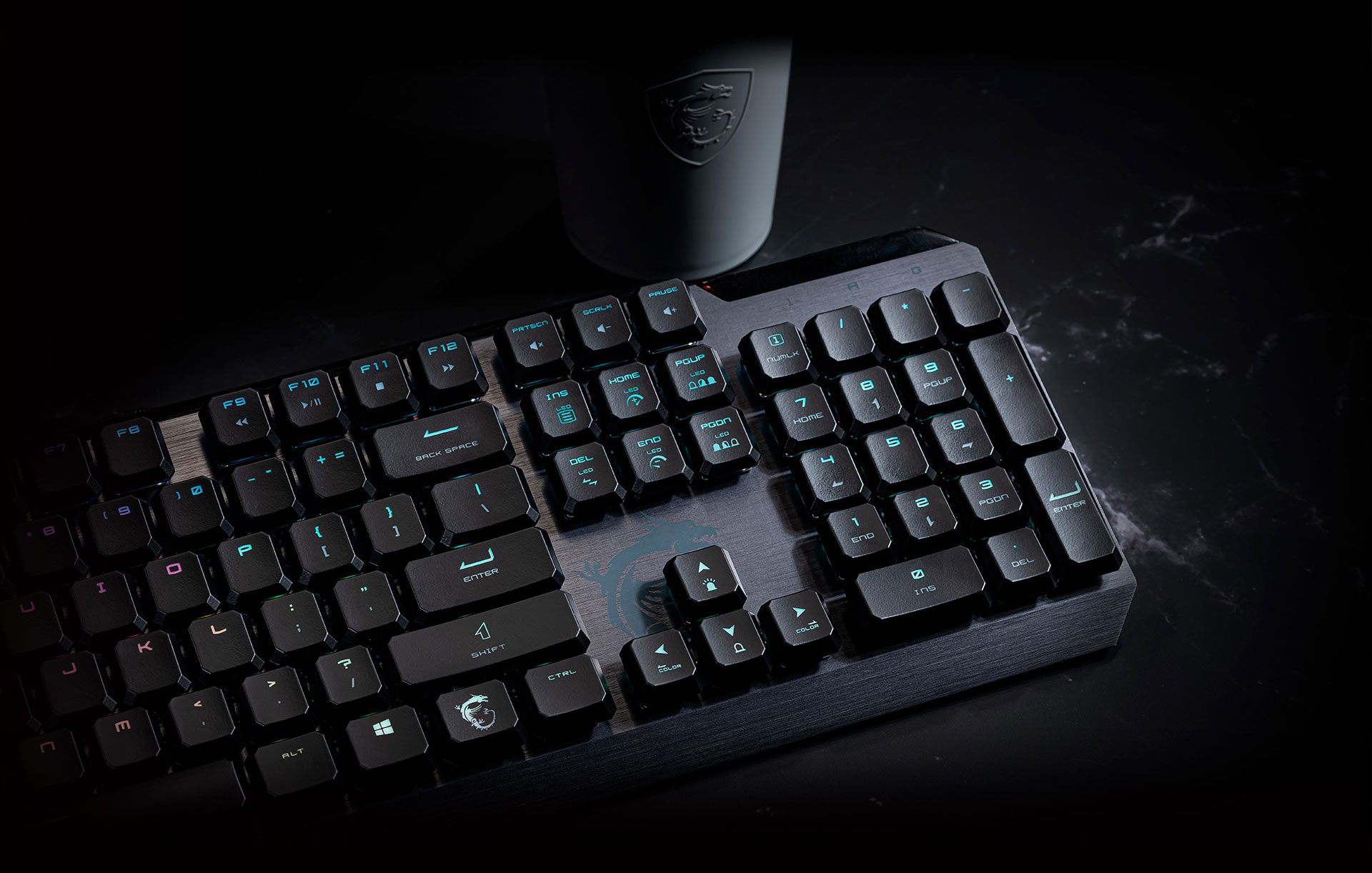
Speed and Precision in a Slim Body
🎮 Low Profile for Lightning-Fast Reactions
🔄 Full Anti-Ghosting Technology
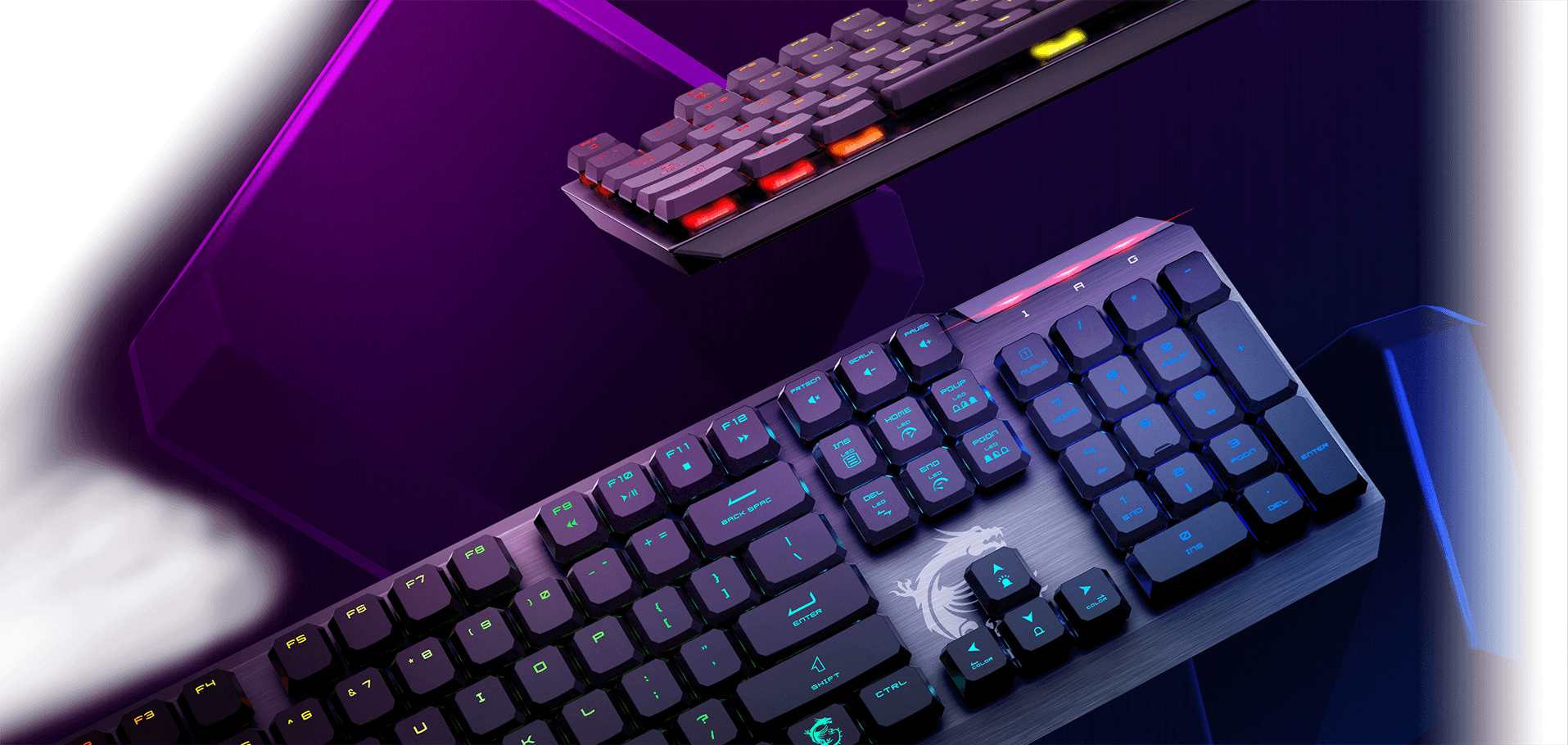
Built to Last
🖥️ Premium Build and Ergonomics
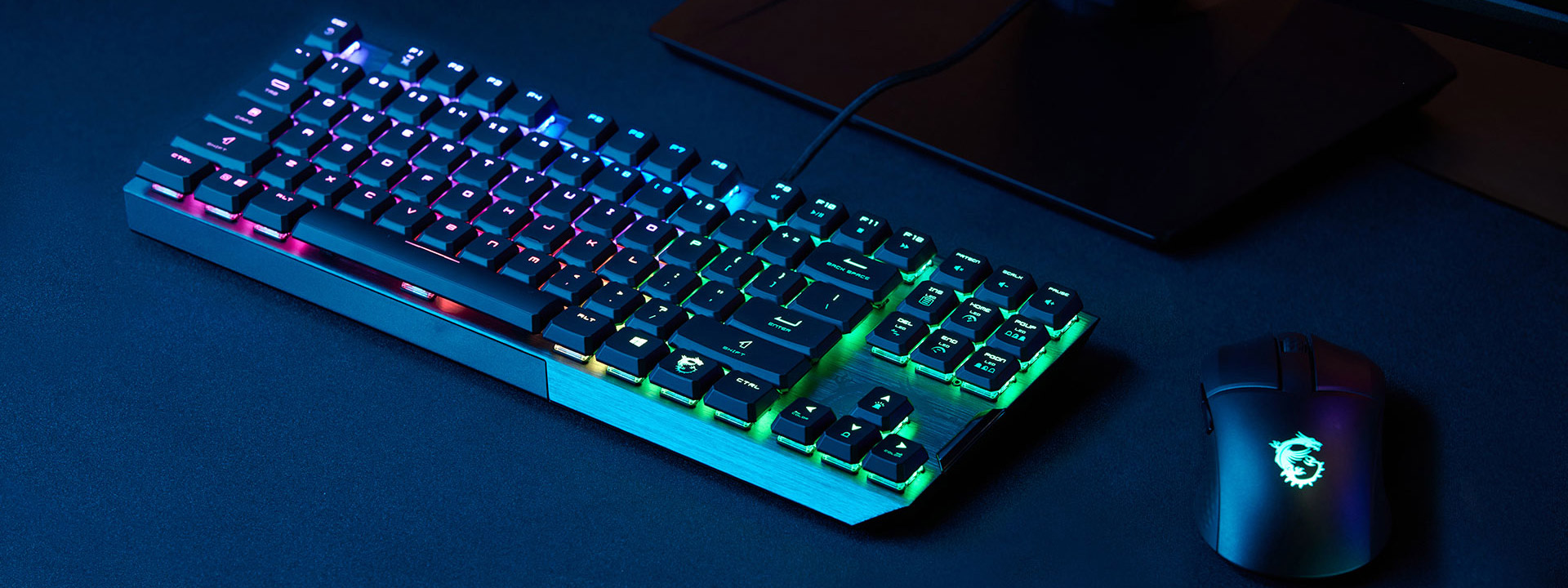
🌈 RGB Lighting and Customization
Summary and Verdict
Aspect Ratings
Switch Speed & Response9.5/10
Build Quality (Metal Plate)9/10
Ergonomics (Without Wrist Rest)8/10
RGB Lighting & Software8.5/10
8.8/10
Pros
- Low-profile switches significantly reduce finger fatigue during typing
- Solid and luxurious brushed metal top plate
- Distinct auditory and tactile (Clicky) feedback
- Detailed per-key individual RGB lighting
- Extra convex gaming keys (CTRL/ALT) included in the box
Cons
- Clicky switches are quite loud (less suitable for shared office spaces)
- The package does not include a wrist rest
- The cable is fixed and cannot be detached
Frequently Asked Questions (FAQ)
Are these 'Clicky' switches suitable for an office environment?
Honestly, probably not. The Kailh White switches are designed to provide clear auditory feedback (a loud click) with every press. They are fantastic for home gaming and typing, but in a shared, quiet office environment, this "clicking" could easily annoy your coworkers.
Can the USB cable be detached?
No. The cable is permanently attached to the keyboard. This is not a detachable USB-C cable, which is something frequently seen on smaller 60% keyboards.
Can I swap out the switches for different ones later?
No, this keyboard does not support a "Hot-Swap" feature. All mechanical switches are firmly soldered to the printed circuit board (PCB). However, you can still swap out the plastic keycaps.
Official specifications of the MSI Vigor GK50 Low Profile