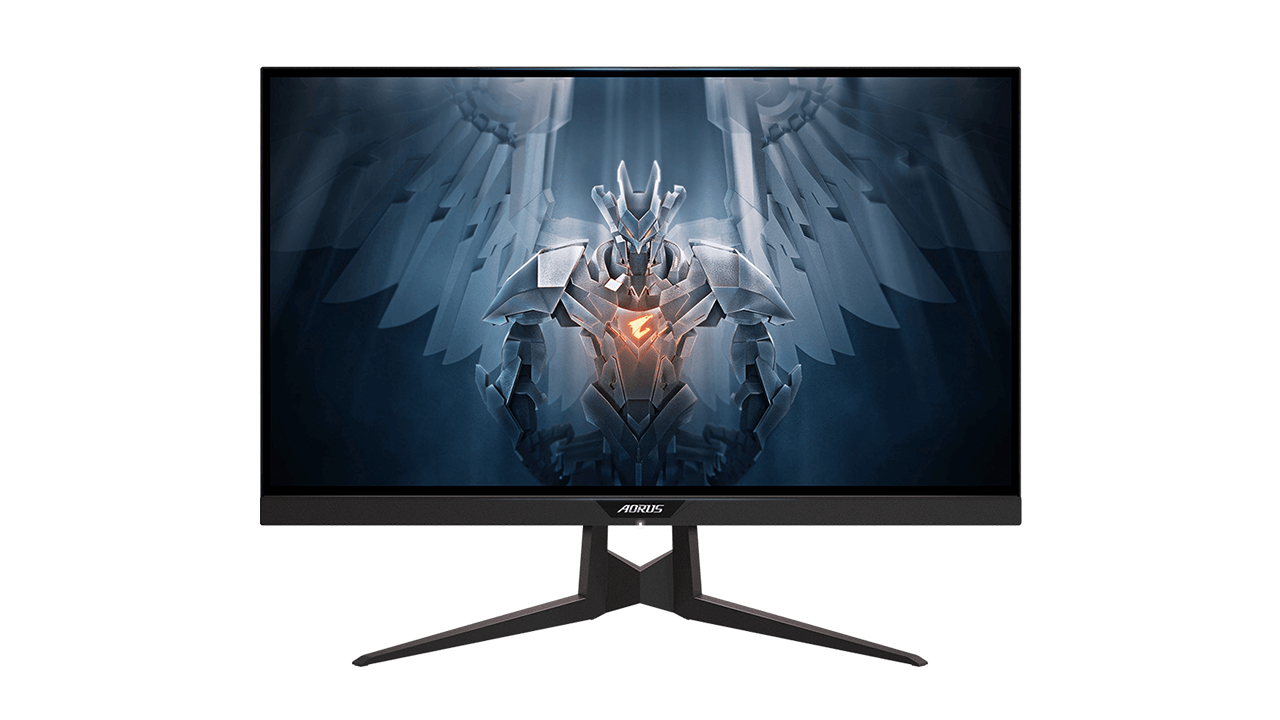
Basic Information
ModelGigabyte AORUS FI27Q
Size and Resolution27 inches | QHD (2560 × 1440)
Panel Type and ColorsIPS (10-bit) | 95% DCI-P3
Refresh Rate and Response165 Hz | 1 ms
SynchronizationNVIDIA G-SYNC Compatible & AMD FreeSync Premium
Connectivity1× DP 1.4 | 2× HDMI 2.0 | 2× USB 3.0
Image EnhancementsHDR Support | Black Equalizer
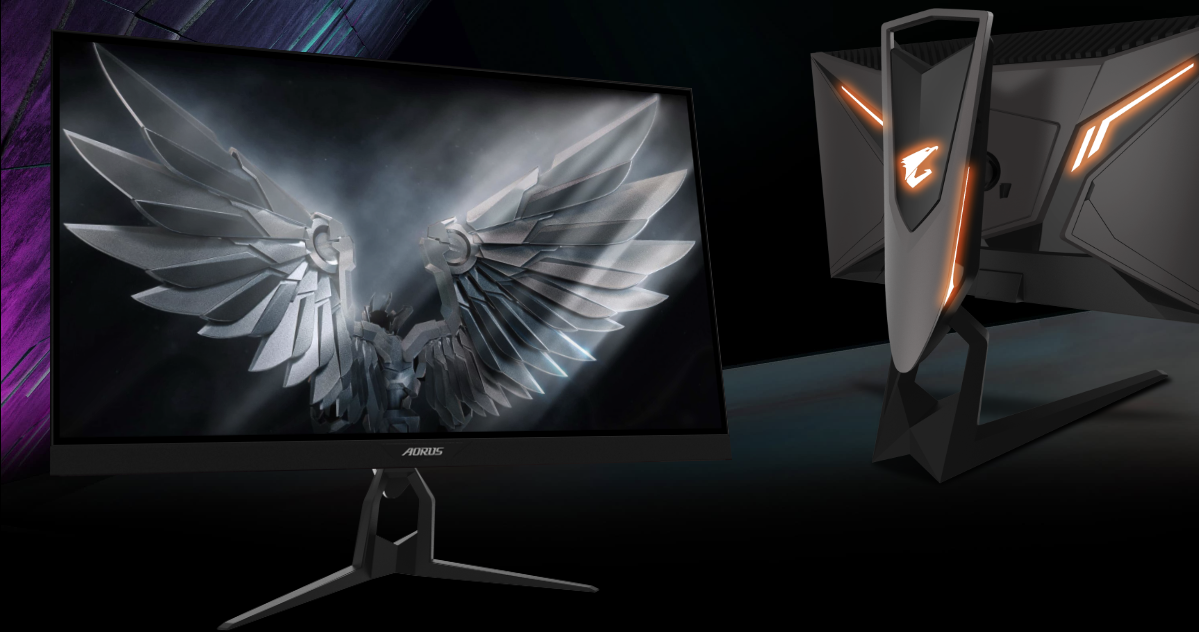
Visuals That Pull You Into the Game
🖥️ The Sweet Spot: QHD and 165 Hz
🎨 An IPS Panel Without Color Compromises
🔄 Adaptive Synchronization
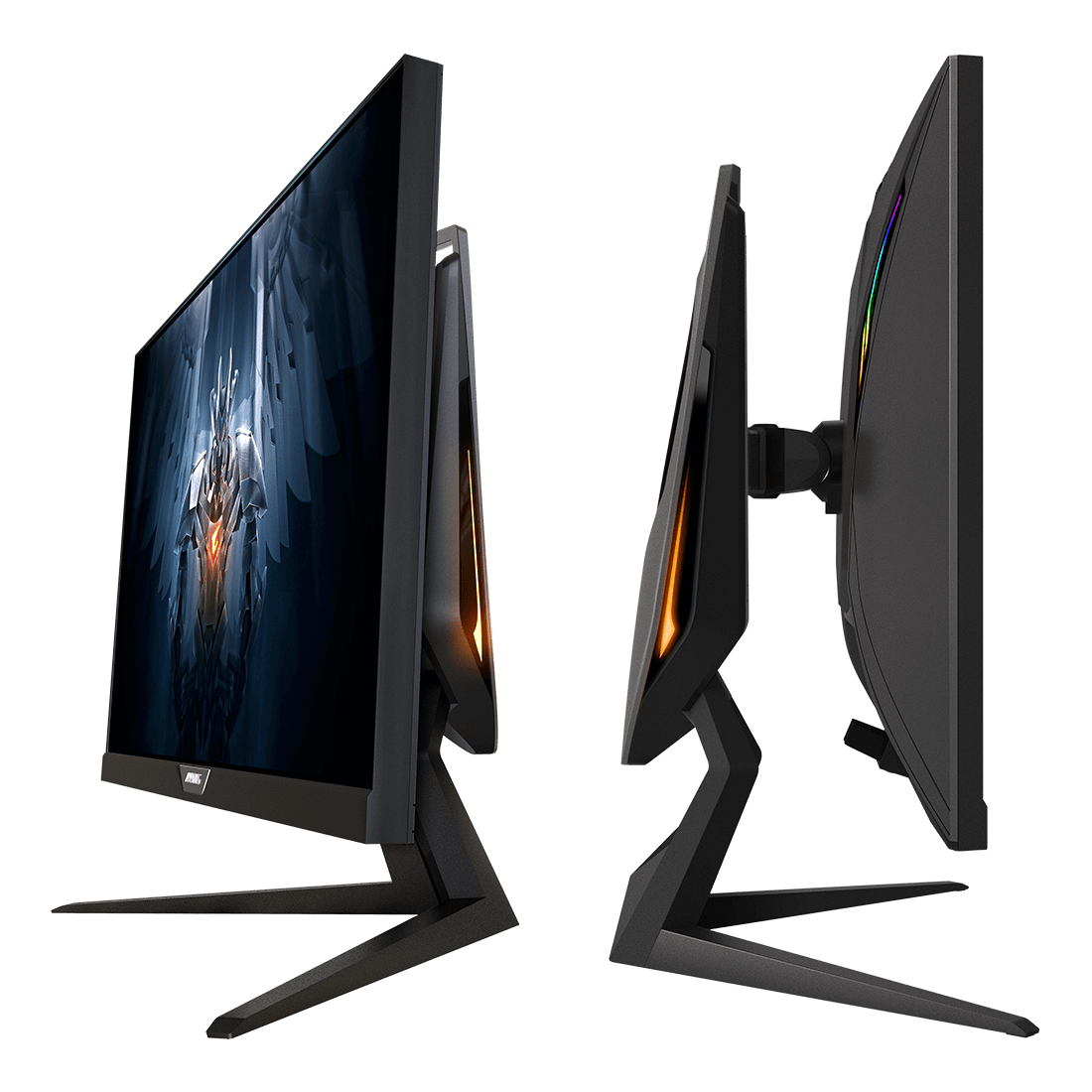
Tactical Advantage and Features
🎮 Built-in Gaming Enhancements
- Black Equalizer: Intelligently brightens dark areas on the map, allowing you to easily spot enemies hiding in the shadows without overexposing the brighter areas of the image.
- Aim Stabilizer: Reduces motion blur, helping you maintain visual clarity while aiming during rapid mouse flicks.
- AORUS Dashboard: A hardware overlay that displays critical system data (temperatures, clock speeds, CPU/GPU usage) directly on the screen in real time.
🔌 Connectivity and RGB Atmosphere
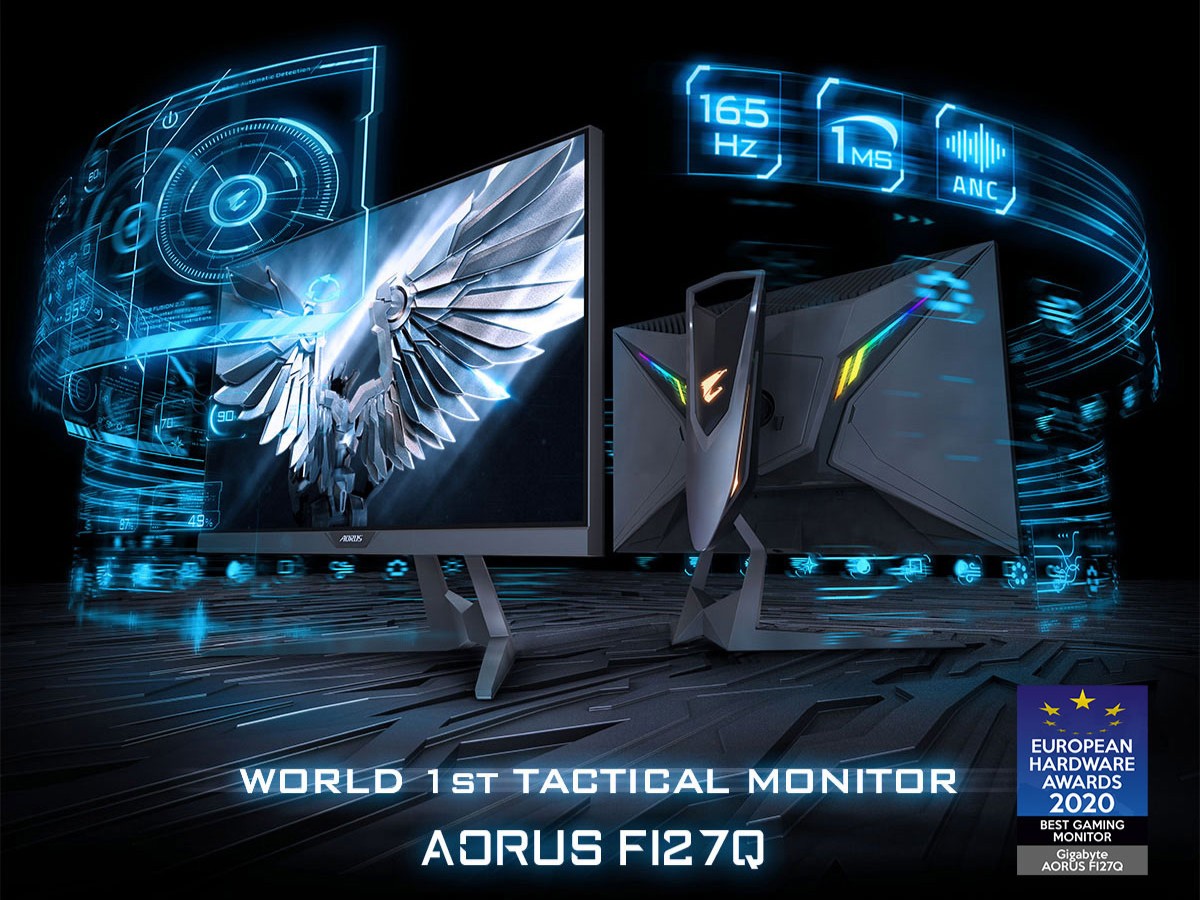
Summary and Verdict
Aspect Ratings
Image Quality & Colors (IPS, DCI-P3)9.5/10
Smoothness & Response (165Hz, 1ms)9/10
Gaming Features & Specs9/10
Build Quality & Ergonomics8.5/10
9/10
Pros
- The perfect combination of 1440p resolution and a 27-inch size for a sharp image
- Excellent color reproduction thanks to the 10-bit IPS panel (95% DCI-P3)
- Fluid gaming thanks to the 165Hz refresh rate and G-Sync / FreeSync support
- Hardware-level image enhancements (Black Equalizer, Aim Stabilizer)
- Elegant rear RGB lighting and a sturdy, fully adjustable metal stand
Cons
- Lacks the newer HDMI 2.1 standard (limiting its potential with the newest consoles)
- Basic HDR support doesn’t offer the true HDR experience found on pricier Mini-LED/OLED panels
- The stand’s legs are quite deep and take up a significant amount of desk space
Frequently Asked Questions (FAQ)
Do I achieve 165 Hz via HDMI or DisplayPort?
To achieve the full 165 Hz at 1440p resolution (with 10-bit colors and G-Sync enabled), you must connect the monitor using the included DisplayPort 1.4 cable. The HDMI 2.0 ports are limited to a maximum of 144 Hz at this resolution.
Is this monitor suitable for the PS5 or Xbox Series X?
Yes, modern consoles now natively support 1440p output. As a result, you will enjoy games in sharp quality at a smooth 120 Hz. However, due to the lack of HDMI 2.1, you won't be able to utilize the full potential (such as 4K@120Hz) that the consoles can theoretically output.
How exactly does the Aim Stabilizer technology work?
Aim Stabilizer uses a technique called Black Frame Insertion (BFI). It inserts a black frame between individual frames for a fraction of a second, which tricks the human eye and radically reduces perceived motion blur. Keep in mind that enabling this feature slightly dims the screen brightness, and it cannot be used simultaneously with G-Sync/FreeSync.
Official specifications on the Gigabyte AORUS website