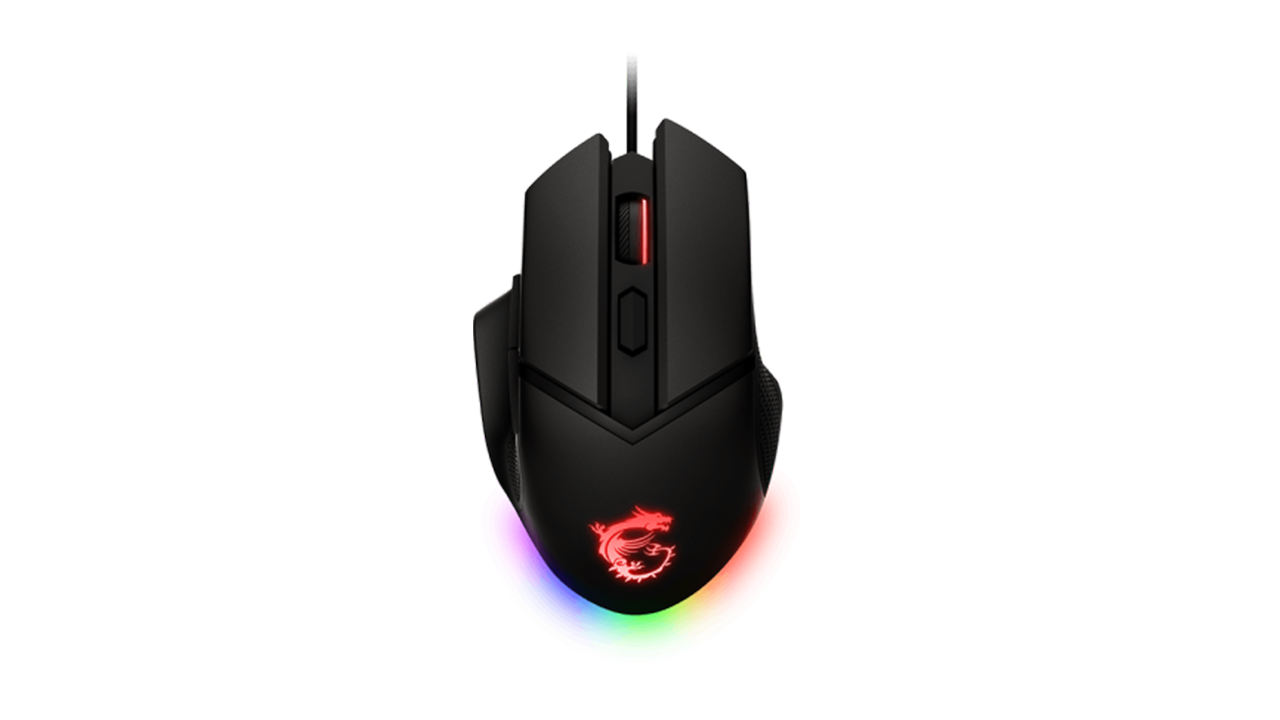
Basic Information
ModelMSI Clutch GM20 Elite
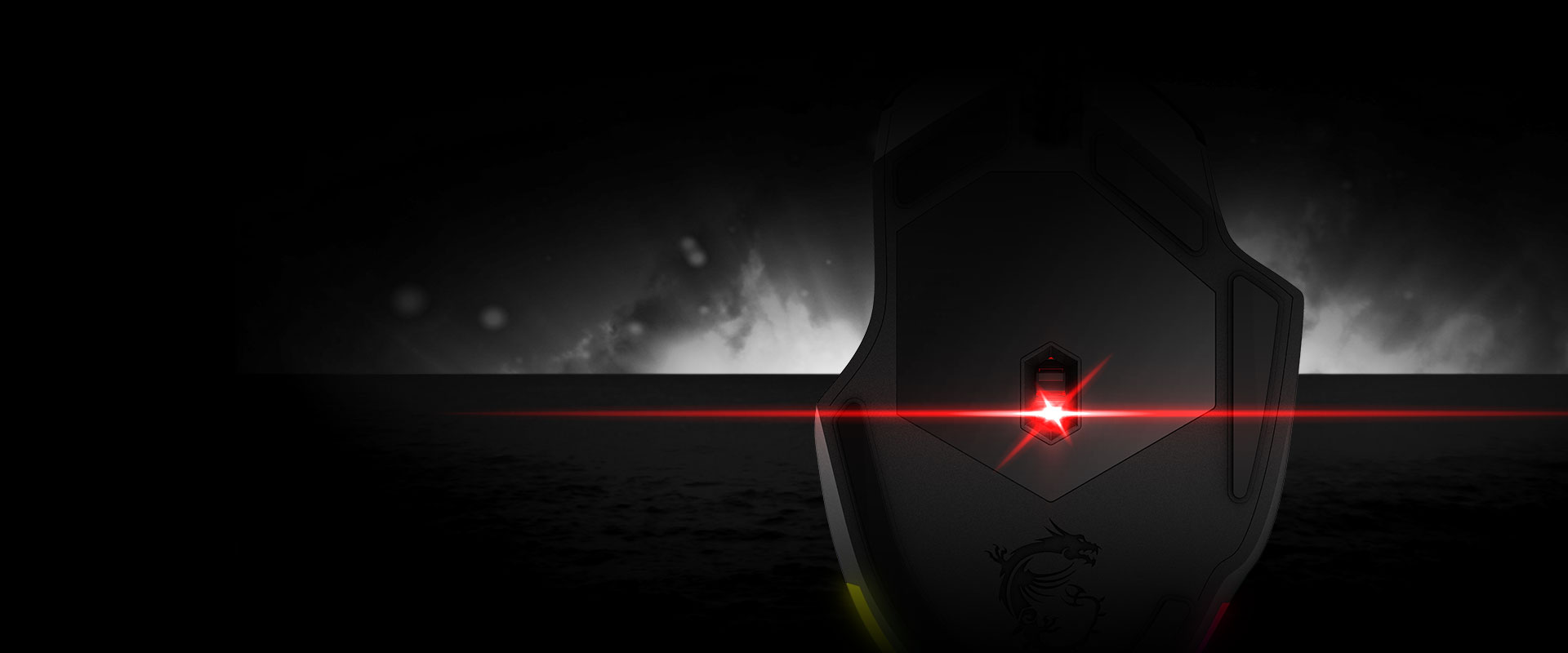
SensorPixArt PAW-3309 (Optical)
SensitivityUp to 6400 DPI (400 / 800 / 1600 / 3200 / 6400)
Buttons & Switches6 Programmable | OMRON (20M clicks)
Weight98 g (adjustable up to 109 g via weights)
ConnectionUSB 2.0 (2m cable)
LightingRGB (MSI Mystic Light)
Dimensions129.5 × 83.2 × 41.2 mm
Performance and Ergonomics
🎯 Precision Under Control
🔘 Durable OMRON Switches
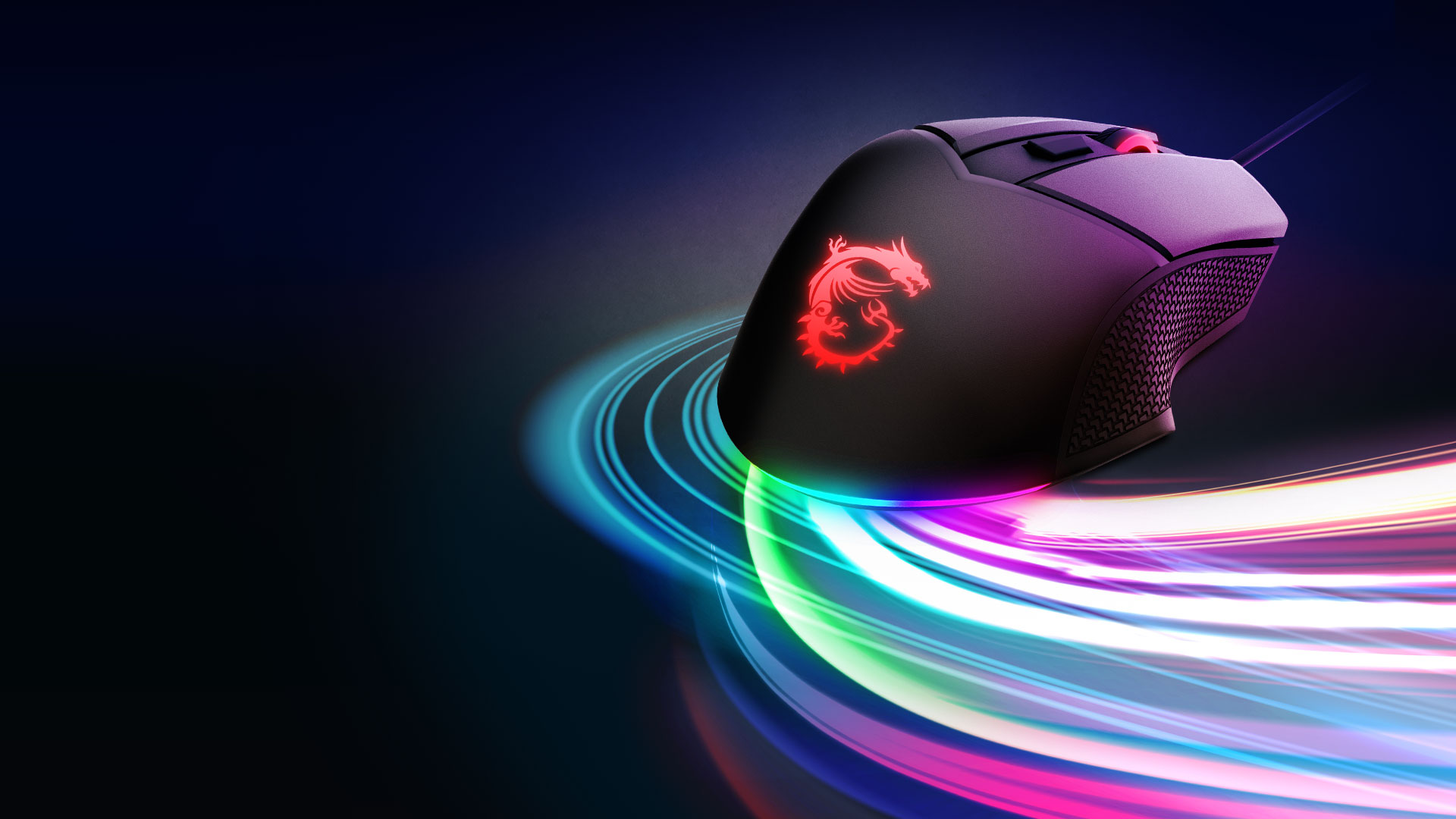
🖐️ Dragon-Inspired Design
Custom Tailored for You
🏋️ Unique Weight System
🌈 RGB Mystic Light
Summary and Verdict
Aspect Ratings
Precision & Sensor8.5/10
Ergonomics & Grip9/10
Build Quality8.5/10
Price / Performance Ratio9.5/10
8.9/10
Pros
- Adjustable weight tuning system (scales from 98 g to 109 g)
- High-quality, durable OMRON mechanical switches (20 million clicks)
- Excellent right-handed ergonomics with anti-slip ‘dragon scale’ grips
- Quick on-the-fly DPI switching via a dedicated button
- Beautiful RGB lighting fully compatible with MSI Mystic Light
Cons
- The design is strictly for right-handed users (unusable for lefties)
- A maximum resolution of 6400 DPI may be limiting for extreme high-end gamers
- The cable is non-braided, which slightly reduces its flexibility
Frequently Asked Questions (FAQ)
How exactly does the weight tuning system work?
There is a removable cover on the bottom of the mouse. Once opened, you will find slots where you can insert the included metal weights to scale the mass precisely up to 109 g.
Can the RGB lighting be completely turned off?
Yes, through the MSI Center software (Mystic Light module), you can set any static color, choose from various lighting effects, or completely disable the illumination.
Do I need software to change the DPI?
No, DPI switching is hardware-based. There is a button below the scroll wheel that allows you to cycle through five preset values (400, 800, 1600, 3200, and 6400 DPI). The software is only required for advanced settings.
Official specifications of the MSI Clutch GM20 Elite