Basic Information
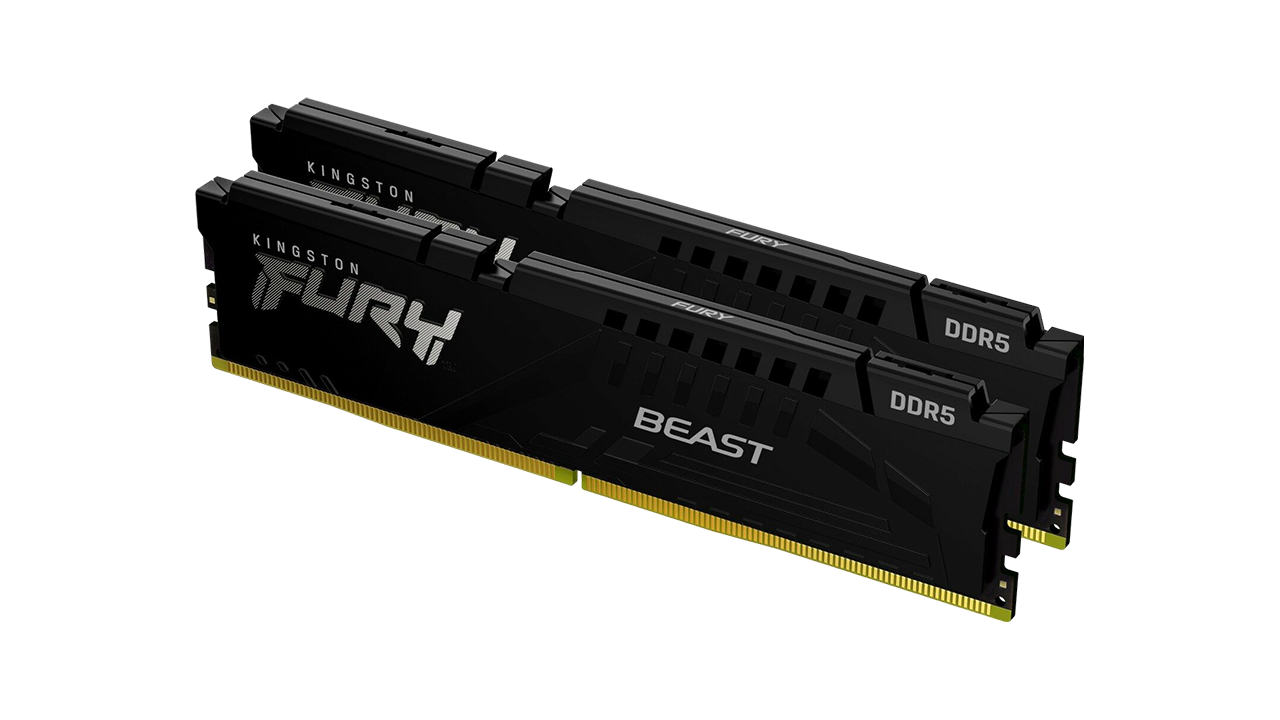
ModelKingston Fury Beast 64GB DDR5 6000MHz
Capacity64 GB (Kit 2×32 GB)
Memory Type & FreqDDR5 | 6000 MHz
Timing (Latency)CL36
Voltage1.35 V
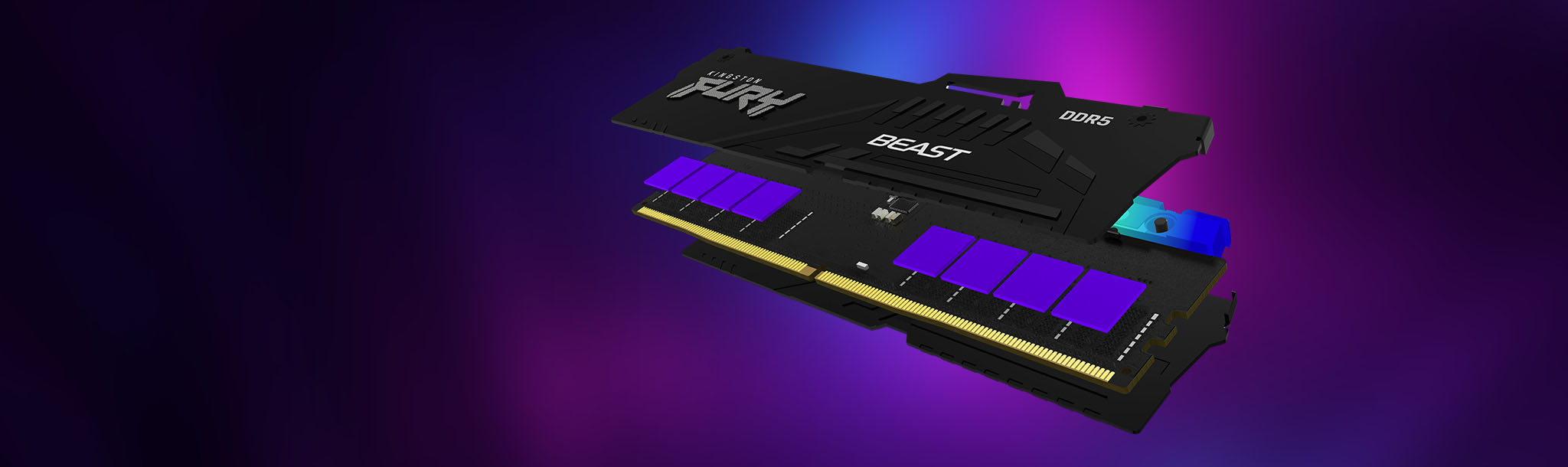
CoolingPassive aluminum heatspreader
LightingRGB (Motherboard sync compatible)
Overclocking ProfileAMD EXPO
Unthrottled Performance
⚙️ Next Generation with Massive Bandwidth
Generational Leap in Memory Bandwidth
Kingston Fury Beast (Tested)
Standard DDR5 Memory
High-End DDR4 Memory
Standard DDR4 Memory
💾 Speed and Capacity for Creators
⚡ Low Latency and AMD EXPO
Summary and Verdict
Aspect Ratings
Workstation Performance & Stability9.5/10
Gaming Performance9/10
Design and RGB Lighting8.5/10
Price / Performance Ratio8/10
8.8/10
Pros
- Massive 64 GB capacity ideal for 4K editing and 3D graphics
- Excellent balance of frequency (6000 MHz) and timing (CL36)
- Support for AMD EXPO profiles for automatic and safe overclocking
- Visually attractive RGB lighting and efficient heatspreaders
Cons
- The price tag for a 64GB DDR5 kit remains a relatively high investment
- RGB modules are slightly taller, watch for clearance with massive CPU air coolers
- CL36 is great, but extreme tweakers might seek out faster (and pricier) CL30 versions
Frequently Asked Questions (FAQ)
What exactly does the AMD EXPO profile do?
AMD EXPO (Extended Profiles for Overclocking) is an overclocking technology directly from AMD. It allows your memory to run at its advertised maximum speed (in this case, 6000 MHz) simply by enabling the option in the BIOS. Without it, the RAM would default to a much lower, standard JEDEC frequency (e.g., 4800 MHz).
Do I really need 64 GB of RAM in my PC?
If your PC is strictly used for gaming, 32 GB is currently the sweet spot and more than enough. However, for professionals working in software like Adobe Premiere Pro, After Effects, Blender, or running demanding virtual machines, 64 GB is a very smart investment for a seamless workflow.
Official specifications of the Kingston Fury Beast DDR5